
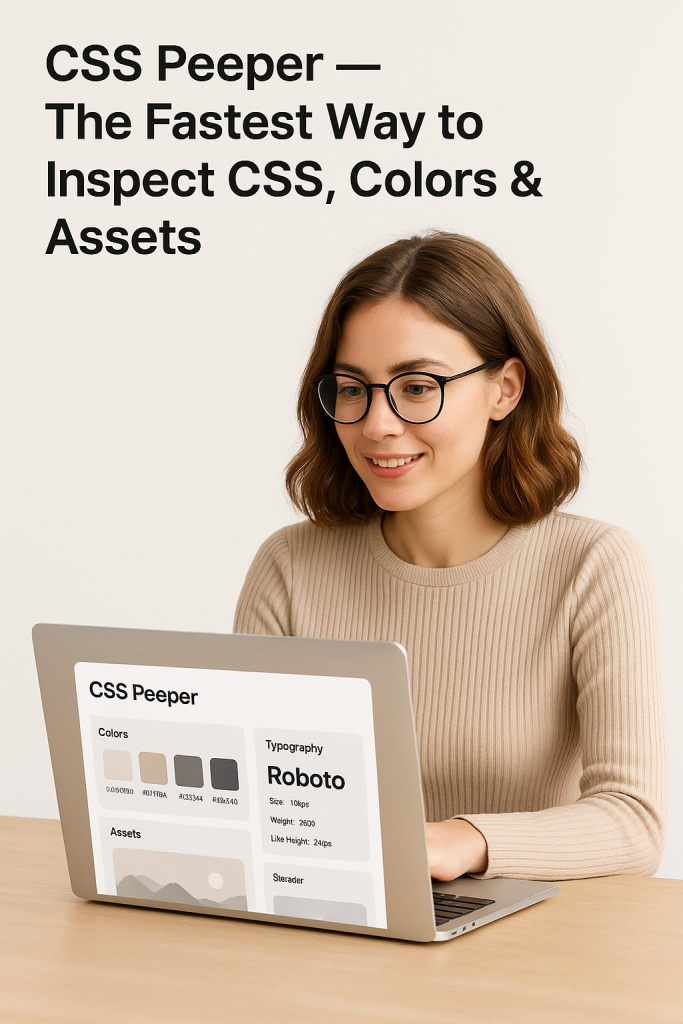
CSS Peeper — Inspect CSS and assets in seconds
Short version: CSS Peeper is a designer-focused Chrome (and Firefox) extension that lets you peek at a page’s colors, typography, images and essential CSS properties without digging through the DOM or minified styles — fast, visual, and made for design workflows.
What it does (high level)

-
Shows a page’s color palette in an easy-to-read panel so you can copy hex/RGB values quickly.
-
Reveals typography details (font family, size, weight, line-height) and font pairings at a glance.
-
Lets you extract assets (images, icons) from a page without hunting through folders.
-
Presents applied CSS properties for a selected element in an organized, designer-friendly UI.
Why designers (and design-minded devs) like it
-
Saves time: avoids digging through complex/minified code — point and click to get the info you need.
-
Cleaner UI than DevTools for visual tasks: organized by colors, typography and assets instead of raw CSS.
-
Good for handoffs & inspiration: quickly build palettes and extract assets for mockups or style guides.
Quick workflow (3 steps)
-
Install the extension and open the site you want to inspect.
-
Click the CSS Peeper icon — the panel shows palette, fonts and downloadable assets.
-
Copy color codes, note typography specs, or download assets for your design work.
Pricing & availability
-
CSS Peeper is available free to install from the Chrome Web Store (and there’s a Firefox add-on).
-
The team actively updates the product — their blog announced a major update in March 2025.
Limitations / when to use DevTools instead
-
CSS Peeper is optimized for inspecting and extracting design properties — for live editing, detailed DOM debugging, performance profiling or JS troubleshooting you should still use browser DevTools.
Verdict
If you’re a visual designer, product designer, or frontend developer who spends time matching colors, fonts and assets from existing sites, CSS Peeper speeds that part of the job dramatically. It’s a lightweight, visual companion to DevTools that trims the friction out of design inspection.